Local council · Western Downs Regional Council · Queensland
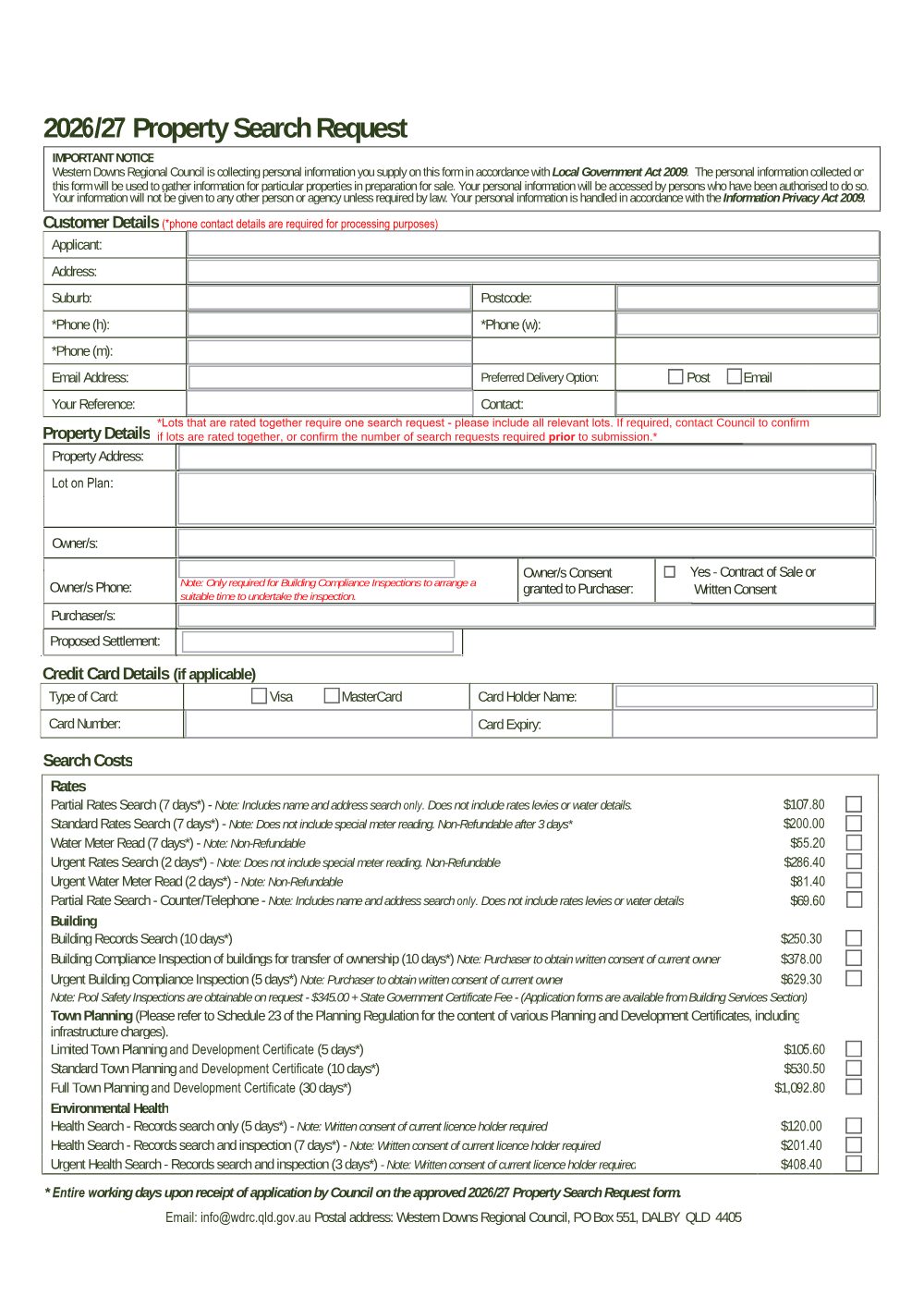
Property Search Request 2026/27
Property Search Request 2026/27
Council form
v74c8b6bf Verified current 2 July 2026
How to lodge - By email
- 1
Assemble the form
Pull the latest Property Search Request 2026/27 into your practice management system. Your matter details (property address, lot and plan, parties, and your firm details) populate the form automatically, on your own machine.
- 2
Review and check
Confirm the populated fields are correct and complete any office-use or matter-specific fields the catalogue does not fill.
- 3
Email it to the council
Attach the completed PDF and email it to Western Downs Regional Council at info@wdrc.qld.gov.au.
This form maps to the published matter-field vocabulary, so your practice management system fills it from your matter data - on your own machine. Practice management systems can fetch and assemble it through the document assembly API.