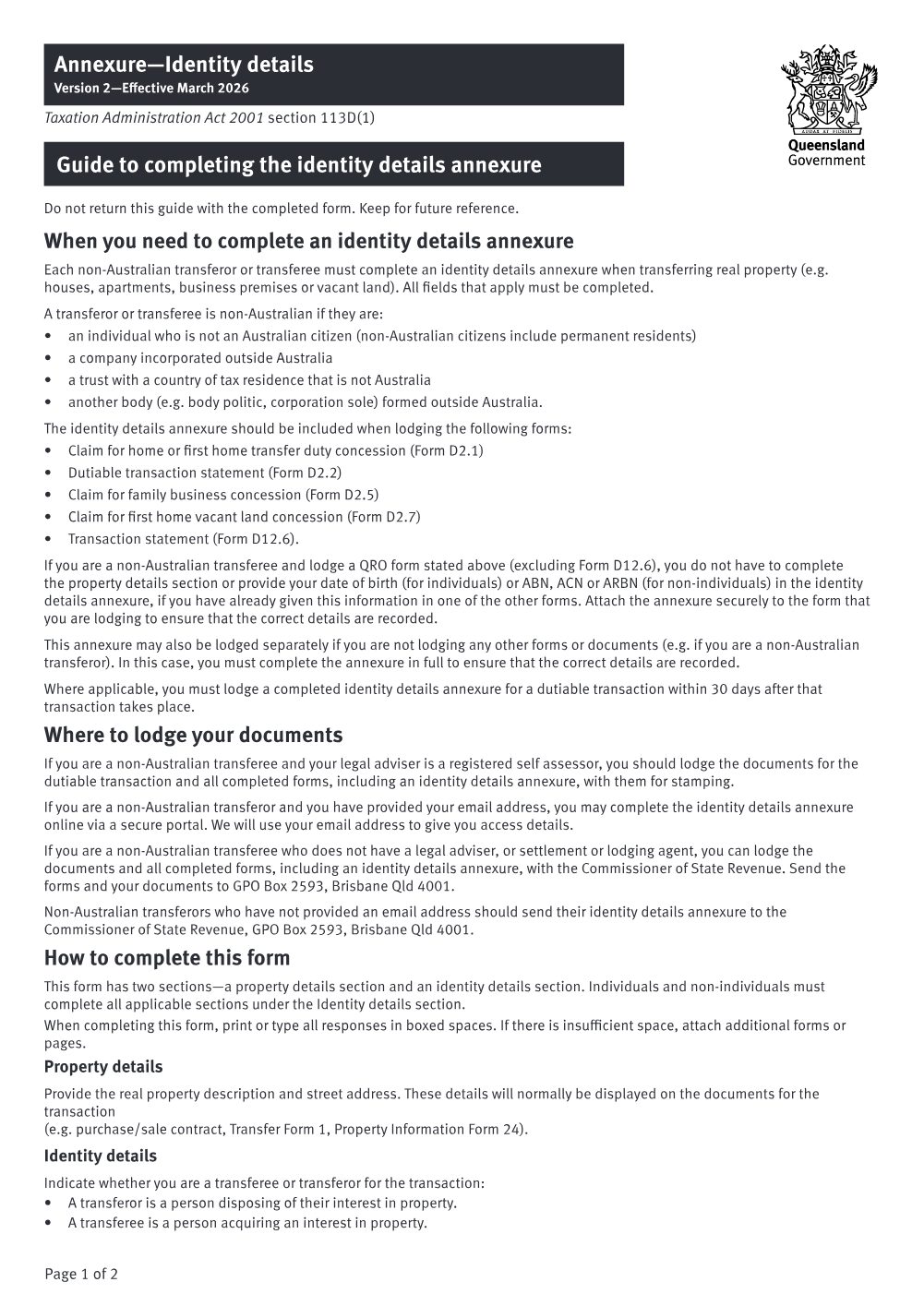
Annexure - Identity details (Identity details annexure)
Annexure - Identity details (Identity details annexure)
How to lodge - Online portal
- 1
Assemble the form
Pull the latest Annexure - Identity details (Identity details annexure) into your practice management system. Your matter details (property address, lot and plan, parties, and your firm details) populate the form automatically, on your own machine.
- 2
Review and check
Confirm the populated fields are correct and complete any office-use or matter-specific fields the catalogue does not fill.
- 3
Upload to the council portal
Open Titles Queensland's online lodgement portal at https://www.titlesqld.com.au/ and upload the completed form.
Lodgement notesQRO form hosted on publications.qld.gov.au; required for non-Australian transferors/transferees, lodged with Form 1/Form 24
This form maps to the published matter-field vocabulary, so your practice management system fills it from your matter data - on your own machine. Practice management systems can fetch and assemble it through the document assembly API.